Every parcel knows its crop and stage
"Olive" typed by hand on one parcel and "olivar" on another cannot be counted, filtered or matched to a growth scale. In Koru the crop is one choice from a shared catalogue, and almost every species comes with the BBCH scale that fits it. The stage is never estimated: it is what somebody observed and recorded, with its date.
On the screen
The crop and its stages
La Peña's crop and its phenology history on the BBCH scale.
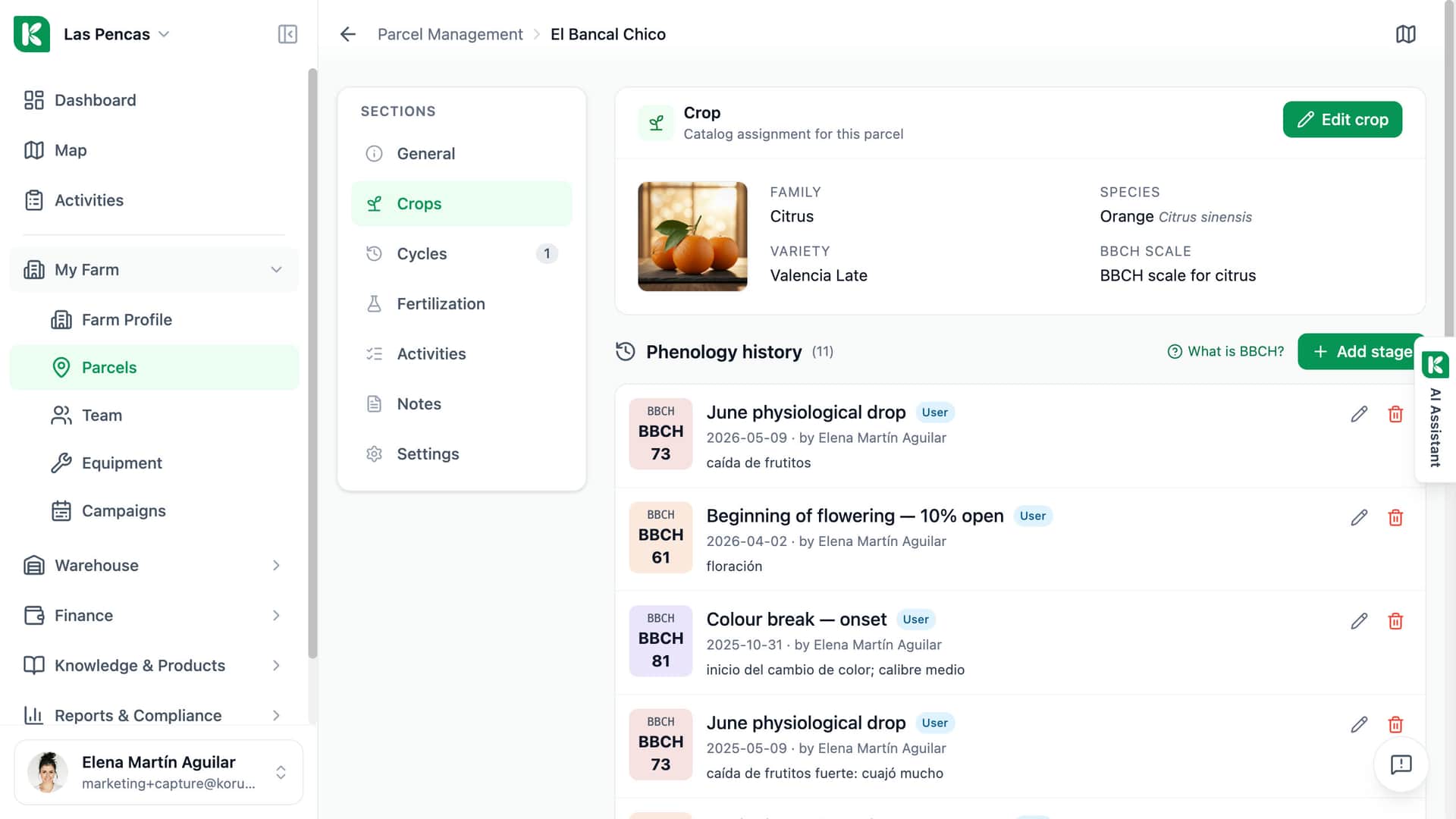
From the crop catalogue
Family, species and variety: olive grove, Olea europaea, Picual.
The right BBCH scale
The scale for olive, set by the crop.
Phenology history
Nine stages recorded, newest first.
Code, name and date
Each stage with its BBCH code, its name and the date.
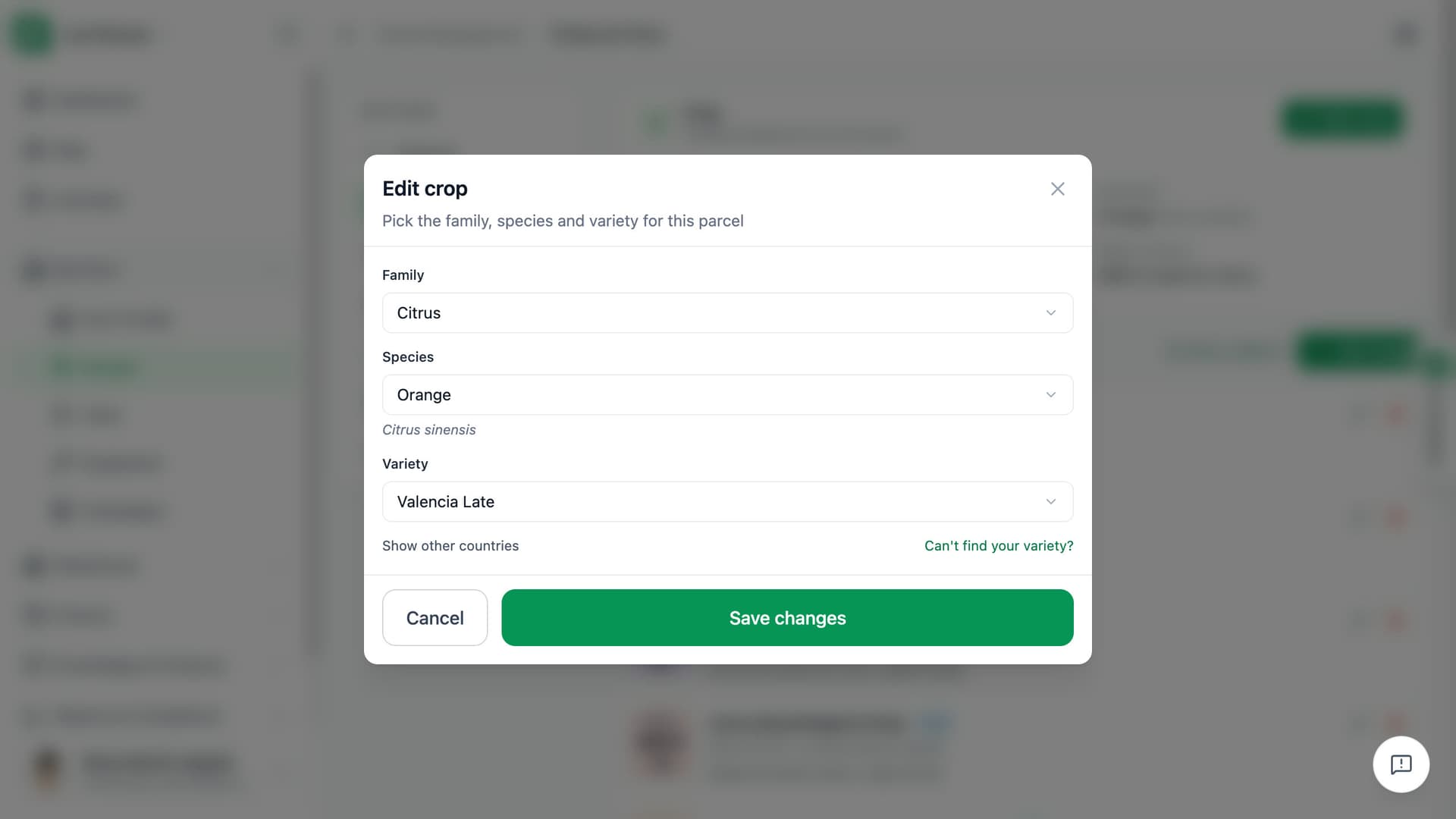
Family, species, variety: three picks, or one search.
Open Edit crop on a parcel and choose the family, then the species, then the variety. Or type a name such as Picual and all three fill in at once. The catalogue holds more than 120 species in 15 families, from olive and vine to cereals, vegetables and forage.
- Search by crop or variety name, synonyms included
- Filtered to your country, with a switch to show the others
- Can't find your variety? Send a request and save the parcel without it
Record the stage you saw, on the day you saw it.
On the parcel's Crops tab, Add stage opens the BBCH scale of that parcel's species. Pick a principal stage or a detailed one, set the observation date and add a note if you want. The entry with the latest observation date becomes the parcel's current stage. Koru does not guess a stage from the weather: an empty log means no stage.
- Principal or detailed stage, searchable by code or name
- Entries can be edited or deleted; the current stage is recalculated
- Phenology history shows who recorded each stage and when
What the crop record gives you.
One crop and one stage per parcel, read by every screen that needs them.
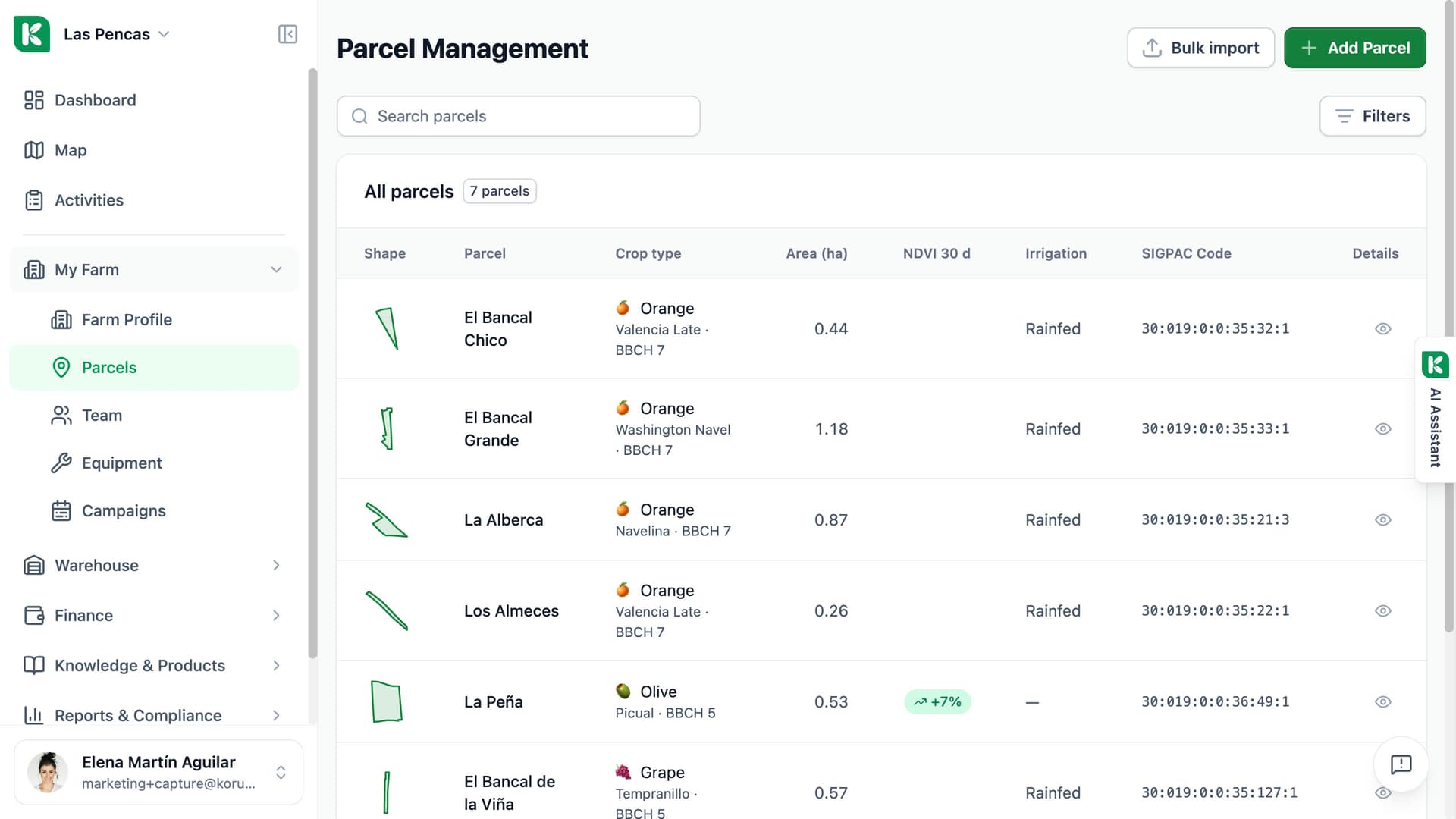
Crop type in the parcel list
The Crop type column shows the species, the variety and the last recorded stage as BBCH with its number.
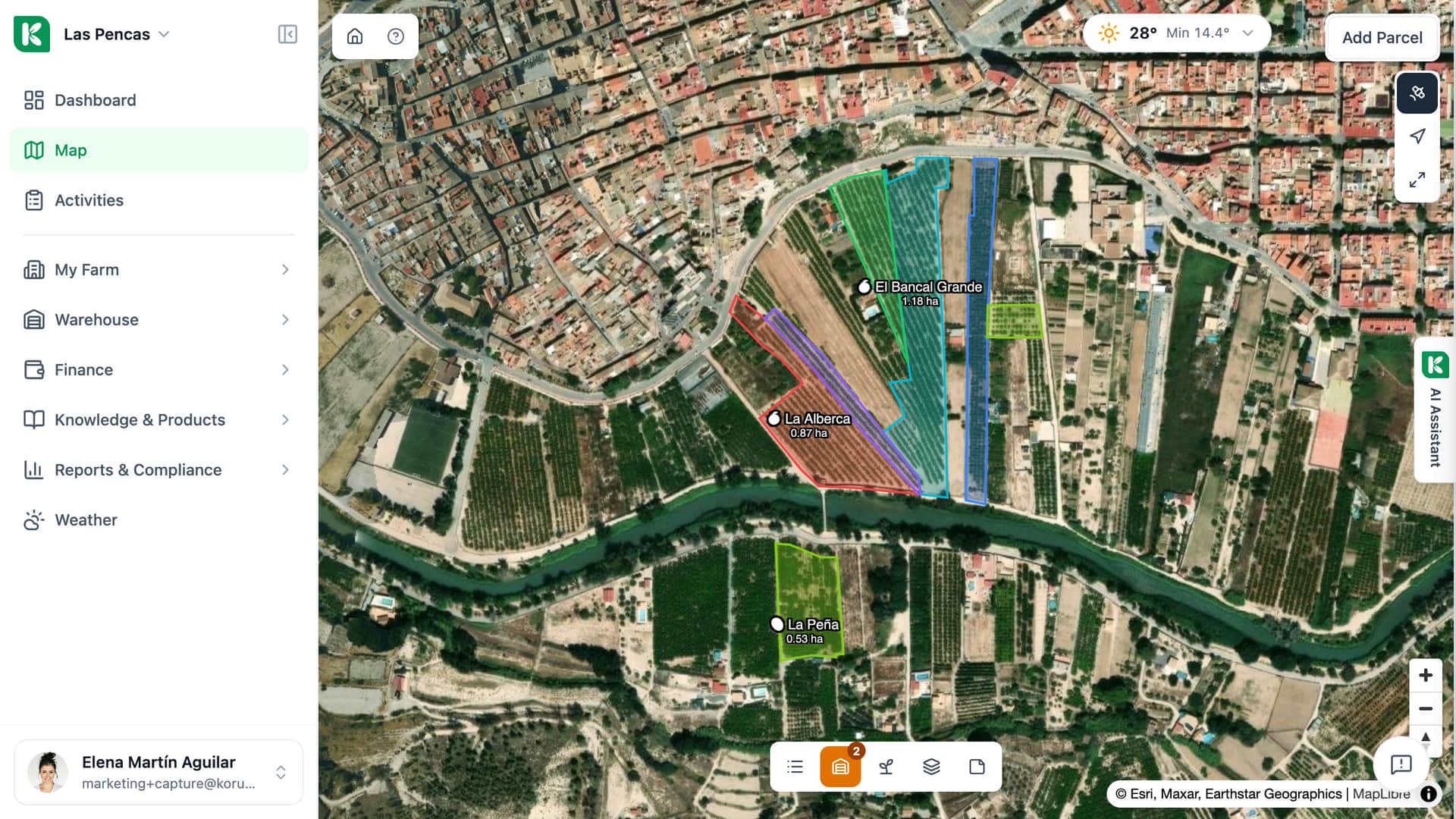
Map coloured by stage
One click colours the parcels on the map by BBCH stage. The parcel popup shows the stage too.
Cycles tab
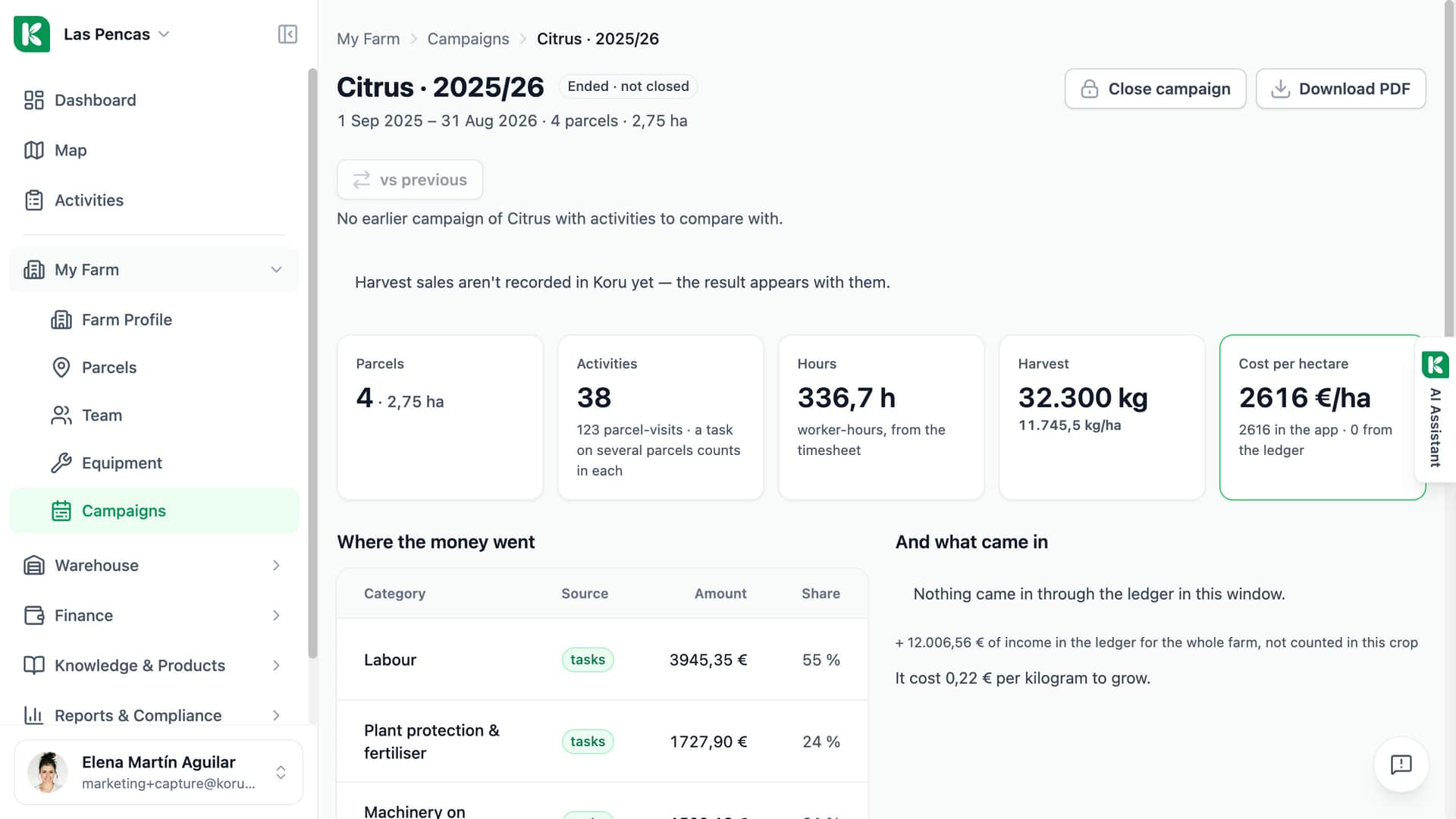
Each crop cycle of a parcel is a card with its dates, area, yield and hours. Cycles of perennial crops are created automatically every year.
A hint to close the cycle
When the recorded stage reaches the end of the scale, the open cycle asks whether it should be closed.
The assistant knows the crop
Ask what grows on a parcel and at what stage. The assistant reads the same cycle and stage the screens show.
A scale that fits the species
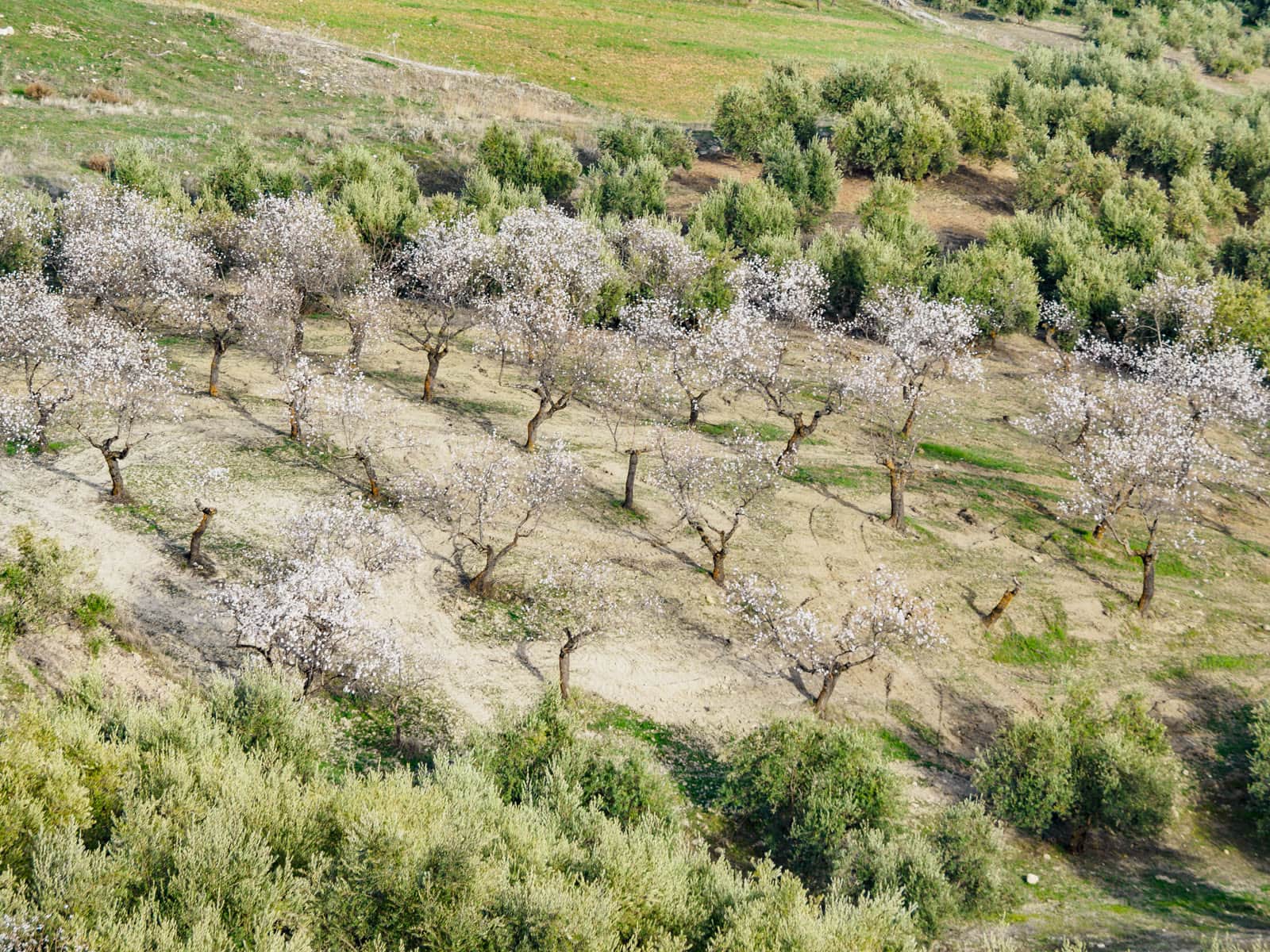
Olive, vine, citrus, stone fruit, pome fruit and cereals have their own BBCH scales, and so do many other crops. Pasture and meadow have none, on purpose.
Changing the crop keeps the history
Change the species and the current stage is reset. The earlier entries stay in the history.
In the mobile app too
Crop and stage can be recorded from the parcel's Crops section in the mobile app, standing in the field.

For farms with one crop or twenty.
Single farm
Set the crop once per parcel and record stages as the season moves. The parcel list then tells you at a glance where each parcel stands.
Advisor
Every member of the farm sees the same crop card and the same stage history. A visit starts from what was observed and when, not from memory.
Cooperative
The catalogue is the same for every farm, so a crop is written the same way on all of them. A missing variety is requested once and added after review.
Give every parcel its crop and its stage.
Crop catalogue and BBCH log included.