Your PAC PDF becomes your parcel list
Your PAC application already lists every parcel you farm. Koru reads that PDF for you: it finds each parcel with its SIGPAC code, area and crop and shows them in a preview. You check the rows, press Import, and the parcels are on your farm. Those that arrive without a boundary are fetched onto the map afterwards. Koru reads the document; it does not file or send anything.
On the screen
Every parcel in one list
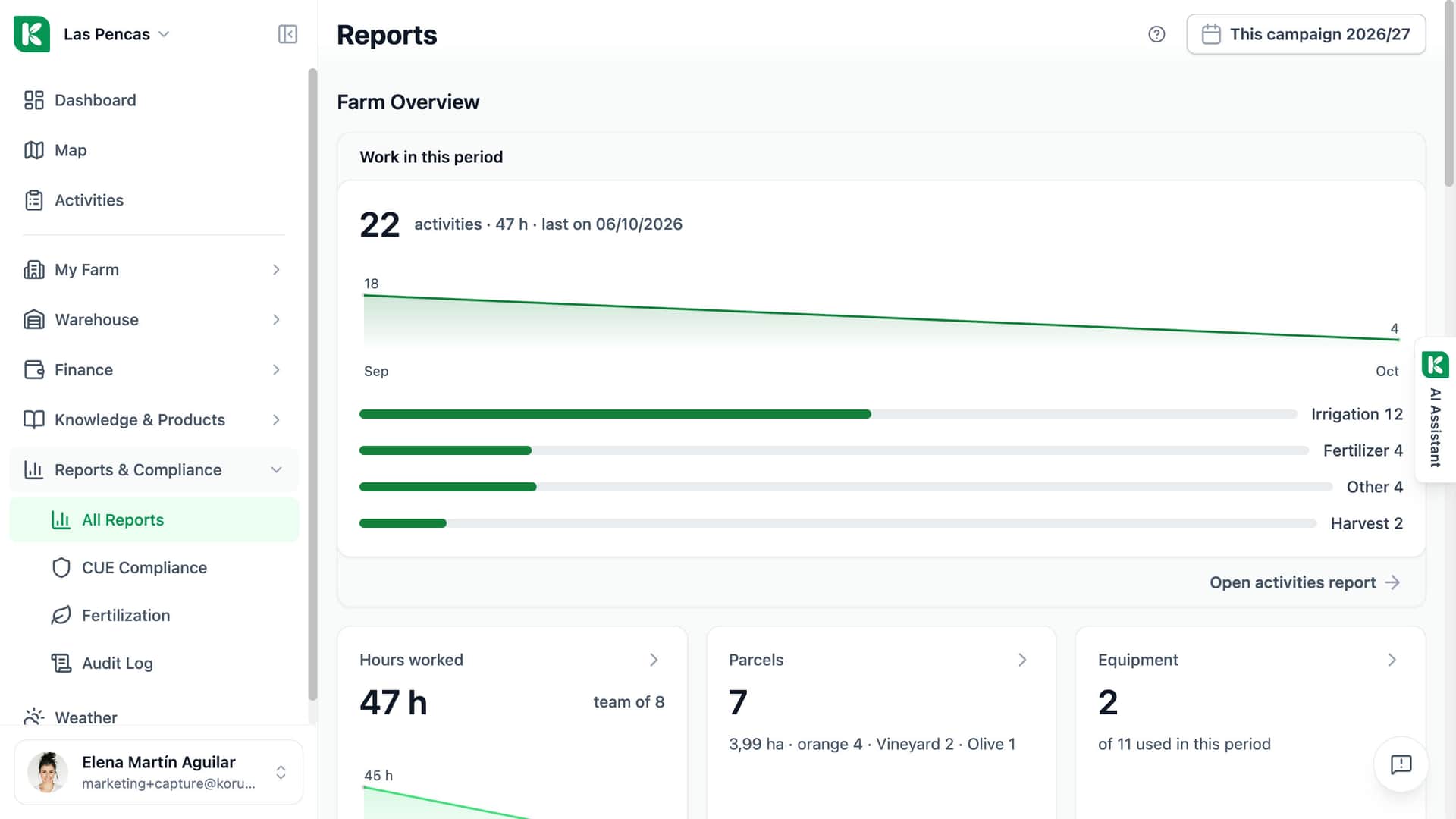
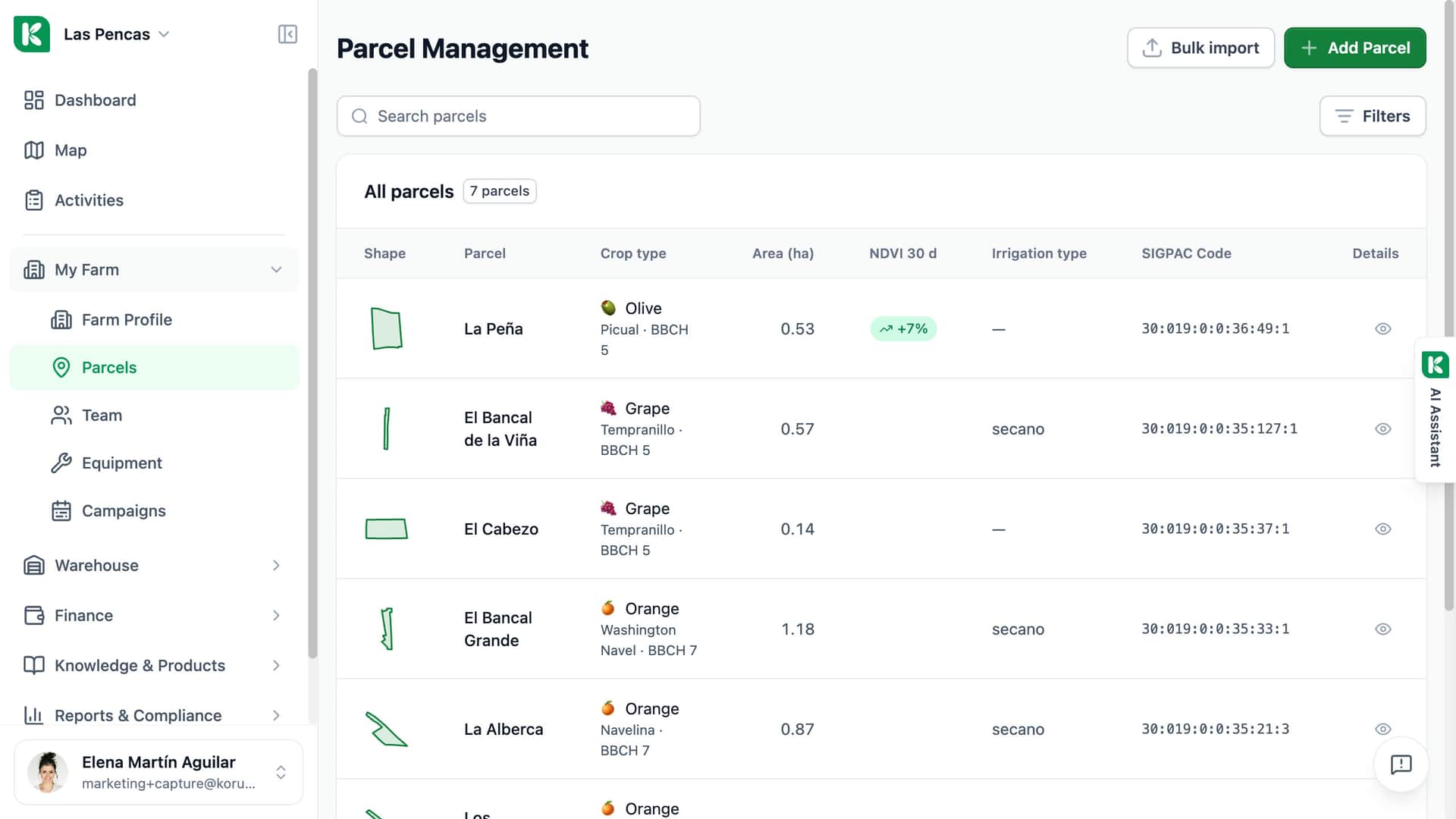
Las Pencas: seven parcels, each with its shape, crop and SIGPAC code.
The shape of each parcel
Each row starts with the outline of the parcel as it is drawn on the map.
Crop, variety and stage
The crop and its variety, with the BBCH growth stage next to it.
Vegetation over 30 days
The NDVI column shows how the vegetation changed in the last 30 days — here +7 % on La Peña.
SIGPAC code
Every parcel carries its SIGPAC reference, the code the PAC declaration uses.
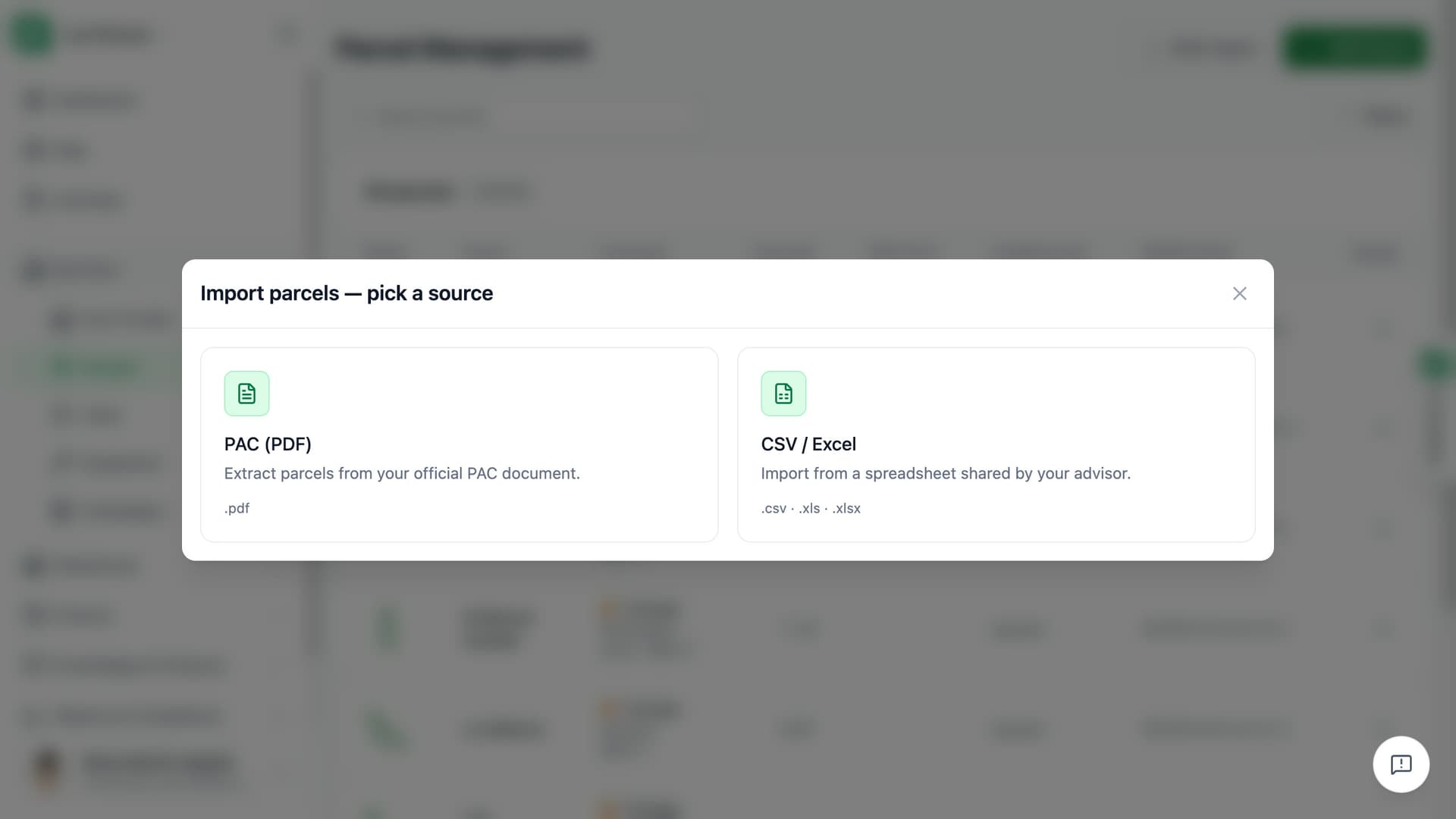
Upload the PDF. Koru reads your parcels.
Pick your PAC PDF — the Solicitud Única or the list of recintos of your holding. Koru reads it with AI and lists the parcels it found, each with its SIGPAC code, area and crop. In the preview, invalid rows and duplicates are marked and you can correct or remove a row. Then press Import.
- Reads SIGPAC code, area and crop for each parcel
- Preview with invalid rows and duplicates marked
- One Import for the whole list, in minutes
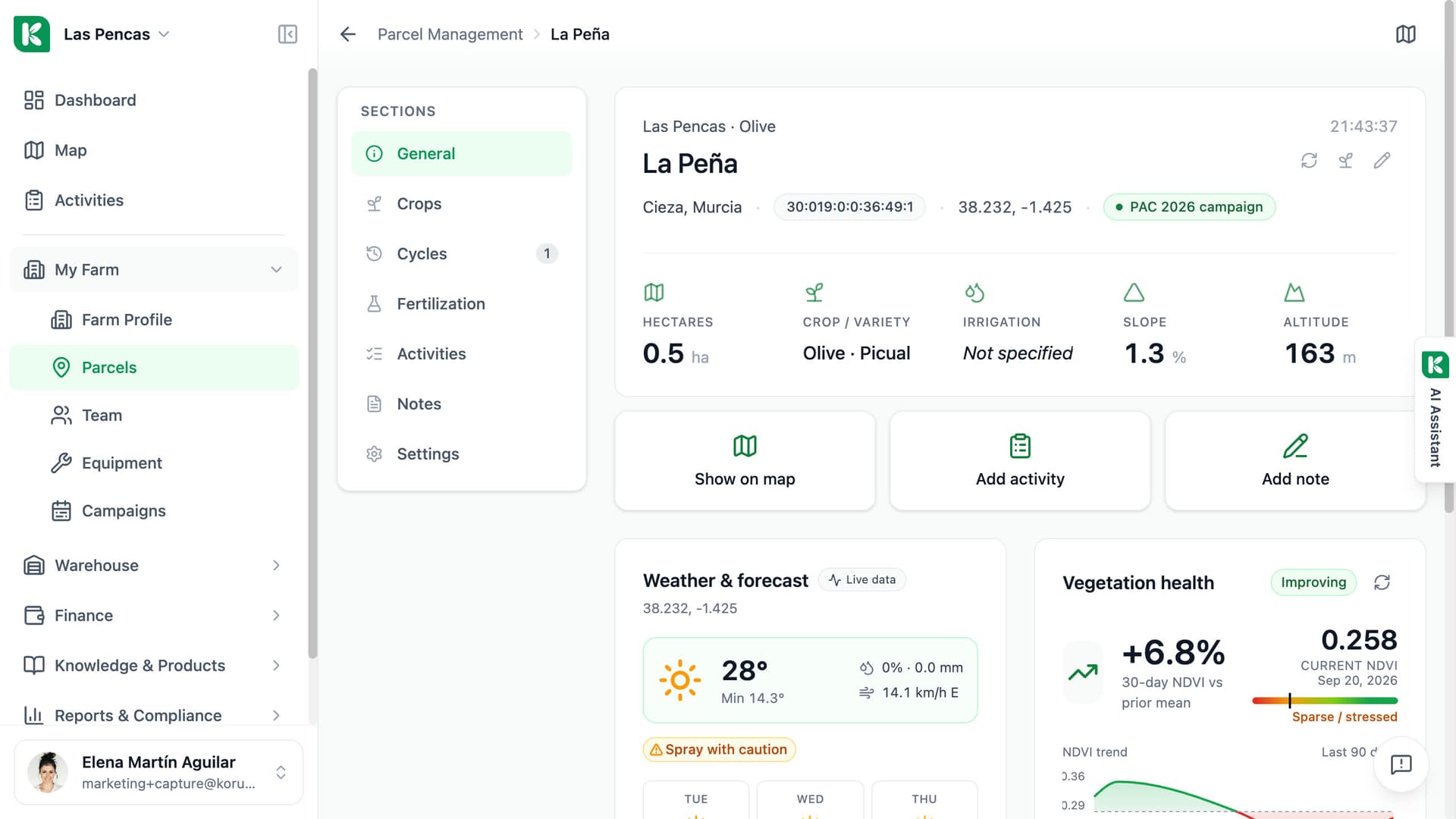
Pending parcels get their boundaries from SIGPAC.
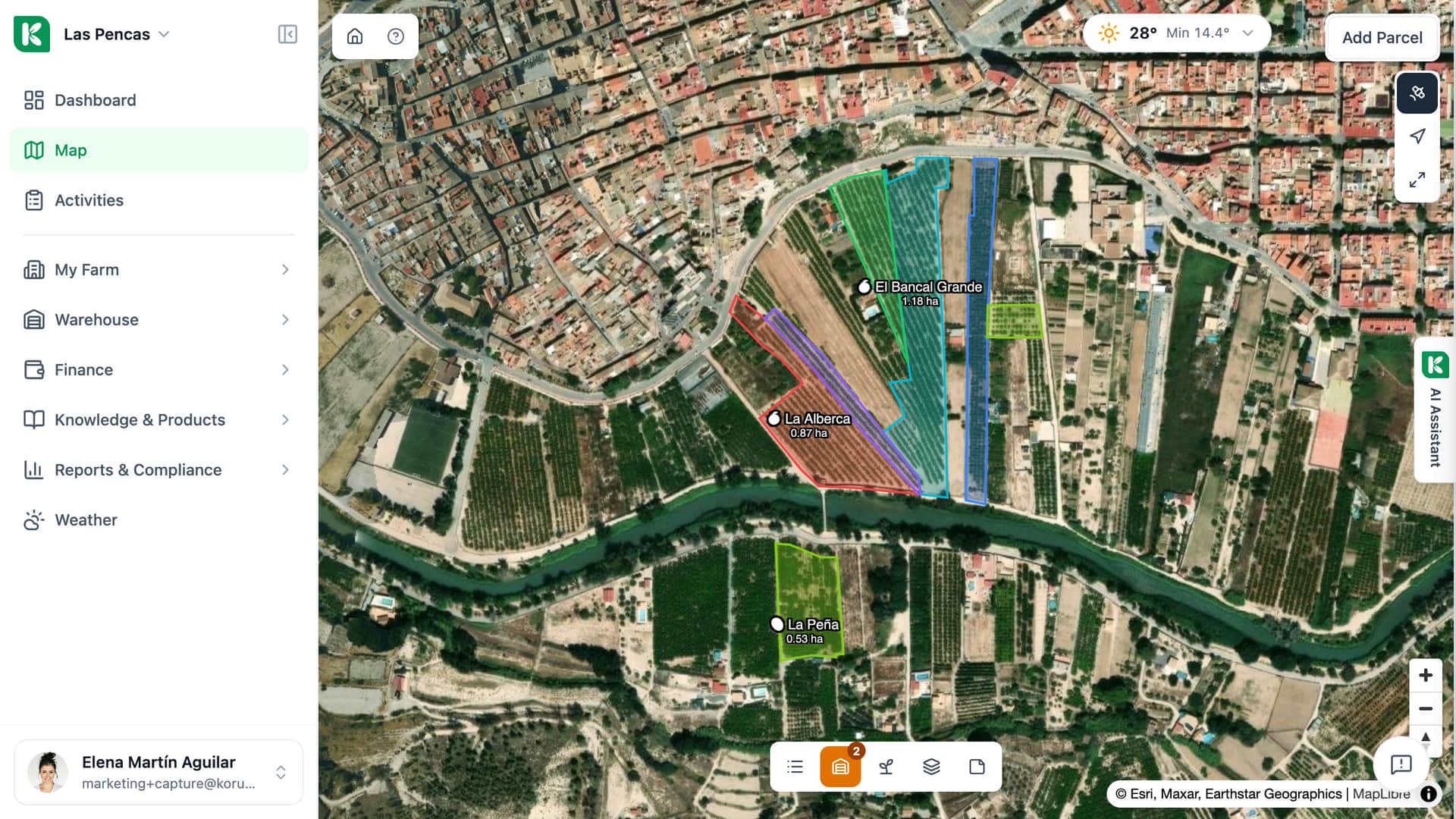
Parcels from a PAC PDF can arrive with a SIGPAC code but no shape. They are listed as Pending on the Parcels page: select them, press Add to map, and Koru fetches their boundaries in bulk. No PDF at hand? Search a parcel by its SIGPAC code, or enter it manually and draw it on the map.
- Add to map fetches boundaries for pending parcels
- Or search a parcel by its SIGPAC code
- Or enter it manually and draw the boundary
Three ways to add your parcels.
PAC PDF import for farms in Spain, plus SIGPAC search and manual entry.
Boundaries from SIGPAC
Imported parcels without a shape wait as Pending; Add to map fetches their boundaries in bulk.
Crop suggested from SIGPAC
Koru suggests the species from the SIGPAC code. You can change it.
Review before import
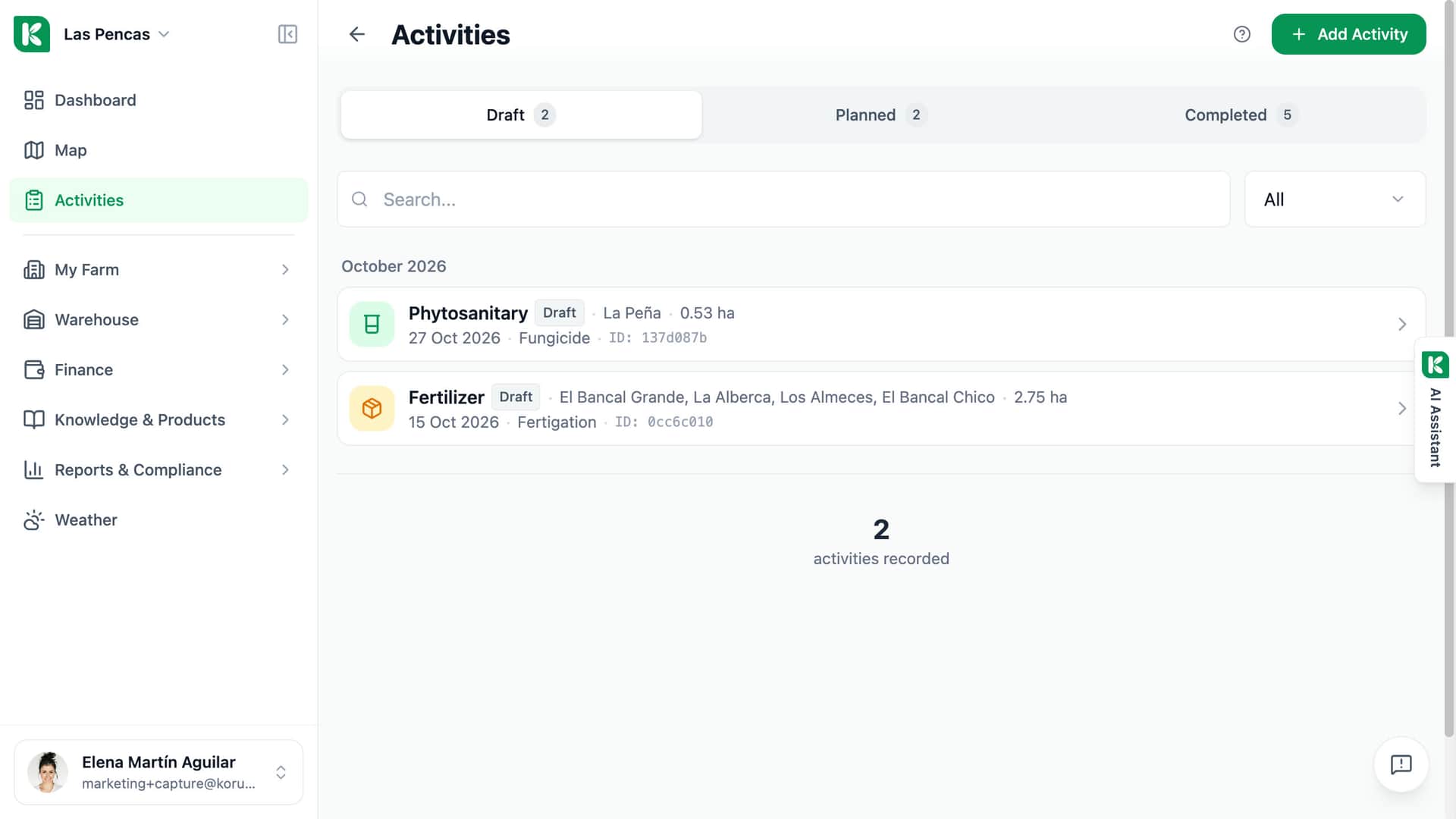
Invalid rows and duplicates are marked in the preview; fix a row, or skip the invalid ones.
PAC PDF read for you
Upload the PDF and Koru reads each parcel with its SIGPAC code, area and crop.
Advisor access
Invite your advisor to the farm with read-only access to see the imported parcels.
Area comparison
For each parcel, compare the official SIGPAC area, the drawn area and the PAC-declared area.
Declared crop history
See the crop declared for the parcel year by year, from SIGPAC.
SIGPAC search and manual entry
Search a parcel by its SIGPAC code, or enter it manually and draw it on the map.

For farms in Spain that have a PAC PDF to hand.
Single farm
If you run your own farm, start with the PDF you already have. Upload it, check the preview, press Import, then add the pending parcels to the map. Your parcel list is in Koru in minutes.
Advisor
If you set up farms for clients, the PAC PDF saves you typing each parcel list. Upload it, review the preview, import. Each farm is set up separately, from its own document.
Cooperative
Each member farm imports its own PAC PDF, so its parcels arrive with the SIGPAC code, area and crop from the document. The hub then lists your farms with counters and an activity feed.