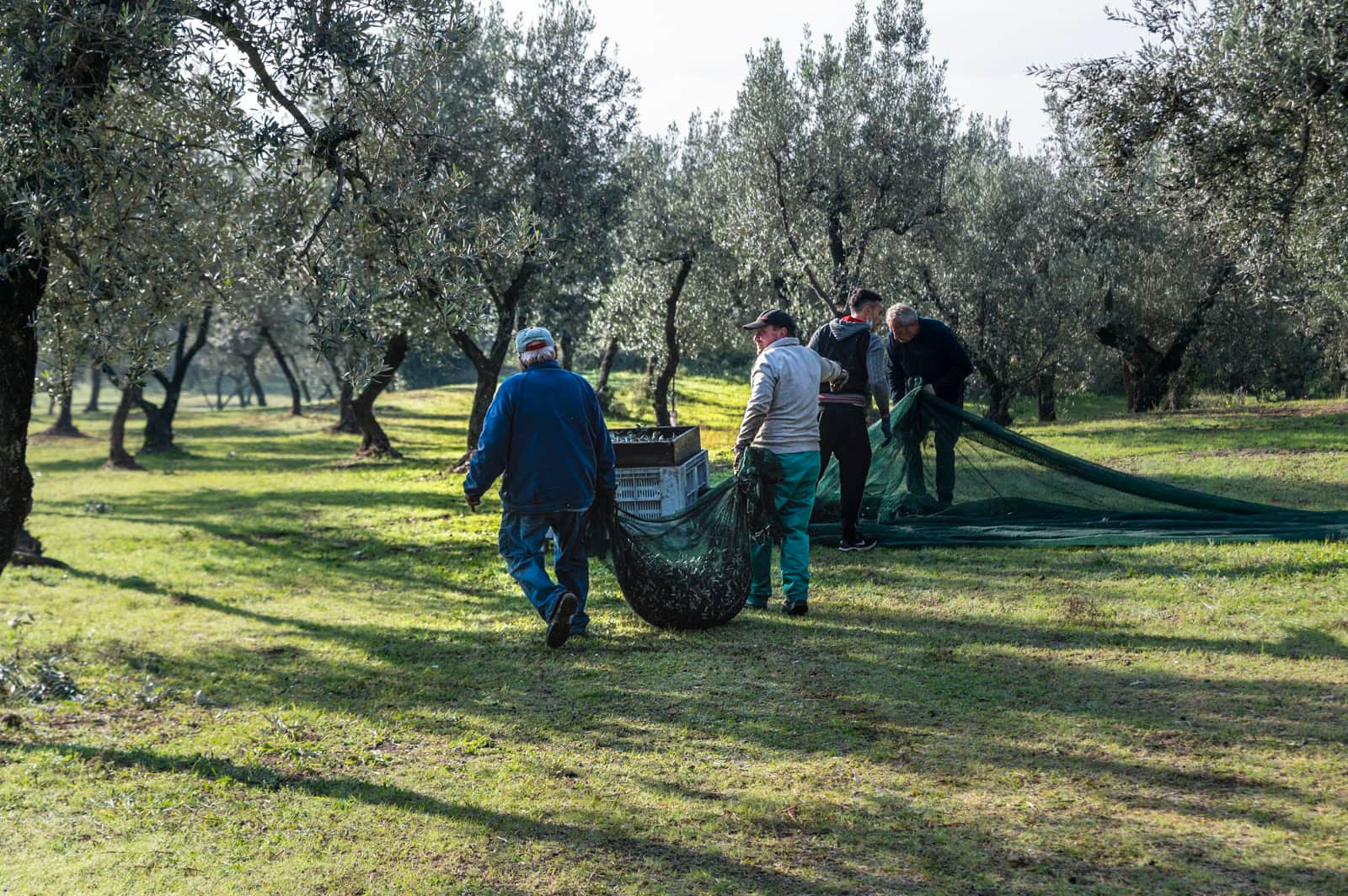
From the trailer to the yield per parcel
On harvest day you know roughly what left the field. The exact weight comes back later, on a ticket. Koru keeps both on the same delivery: your estimate when the trailer leaves, the net weight when the ticket arrives. Nothing you typed is replaced, and the yield of each parcel follows from the deliveries that were weighed.
On the screen
From the field to the mill
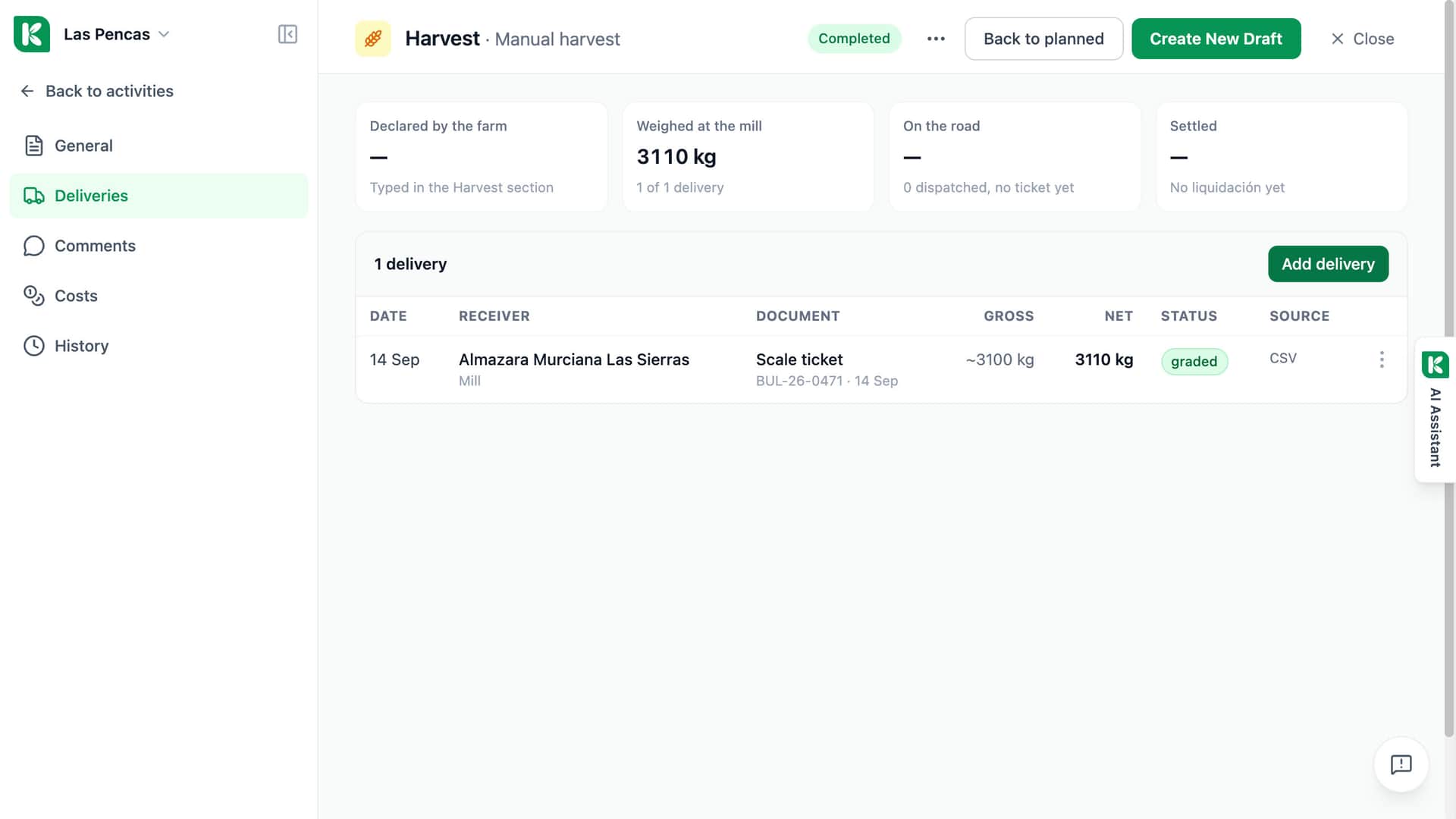
A manual harvest, delivered to an olive mill and weighed there.
Four stages
Declared by the farm, weighed at the mill, on the road, settled.
The delivery
14 September, to Almazara Murciana Las Sierras, with its scale ticket.
Gross, net, graded
About 3,100 kg gross, 3,110 kg net, and the delivery graded.
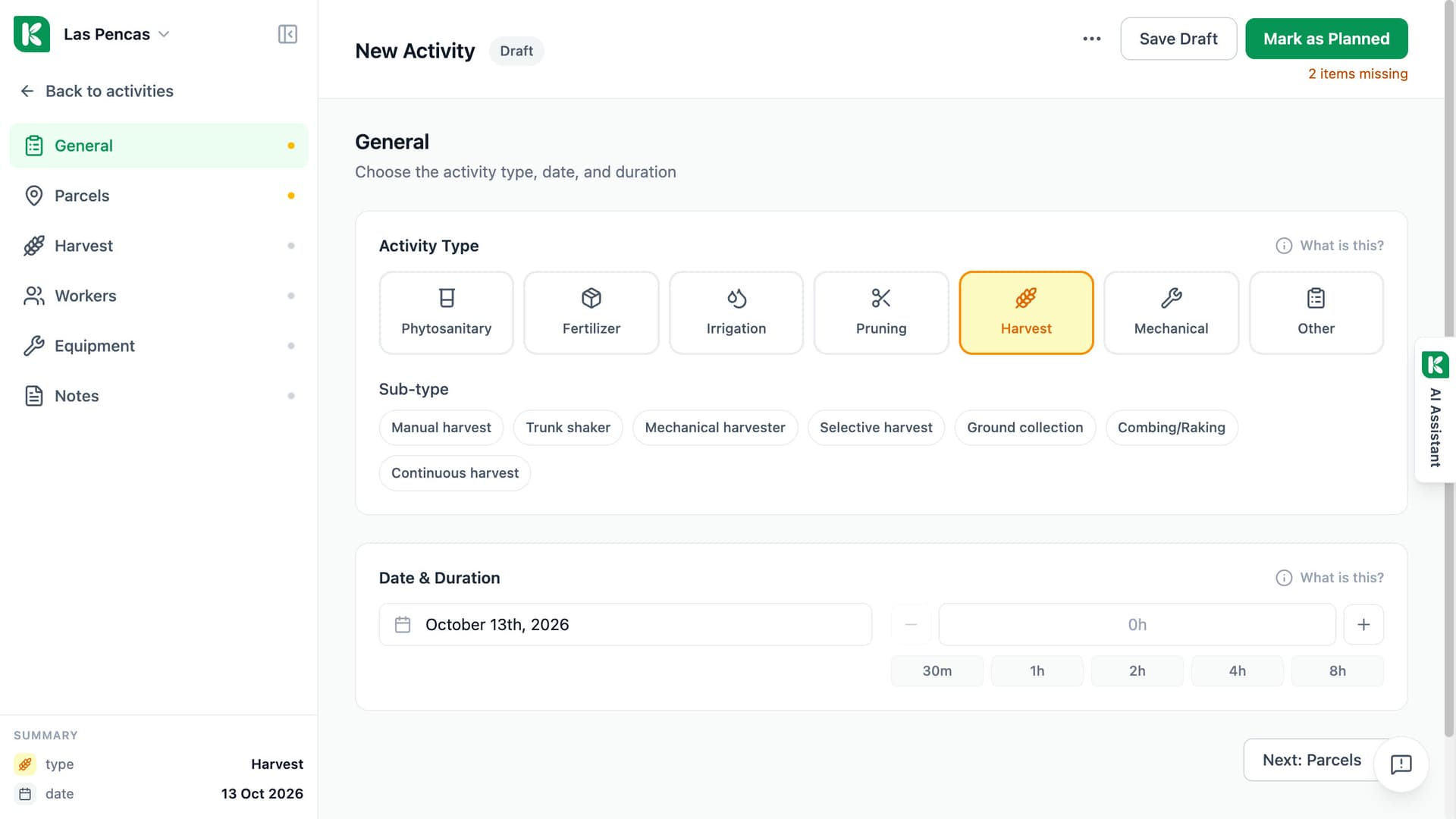
Quantity per parcel. Yield per hectare worked out for you.
Harvest is an activity type, recorded like any other activity. Its Harvest section takes a quantity for each parcel, with the unit and the basis: kilos, tonnes, boxes, bales or hectolitres; fresh, dry, in shell or must. Yield per hectare is computed, never typed. If a parcel is still inside the safety period of a treatment, the form warns you before you save.
- Quantity, unit and basis for each parcel
- Yield per hectare computed from the quantity and the area
- A warning when the harvest falls inside a safety period
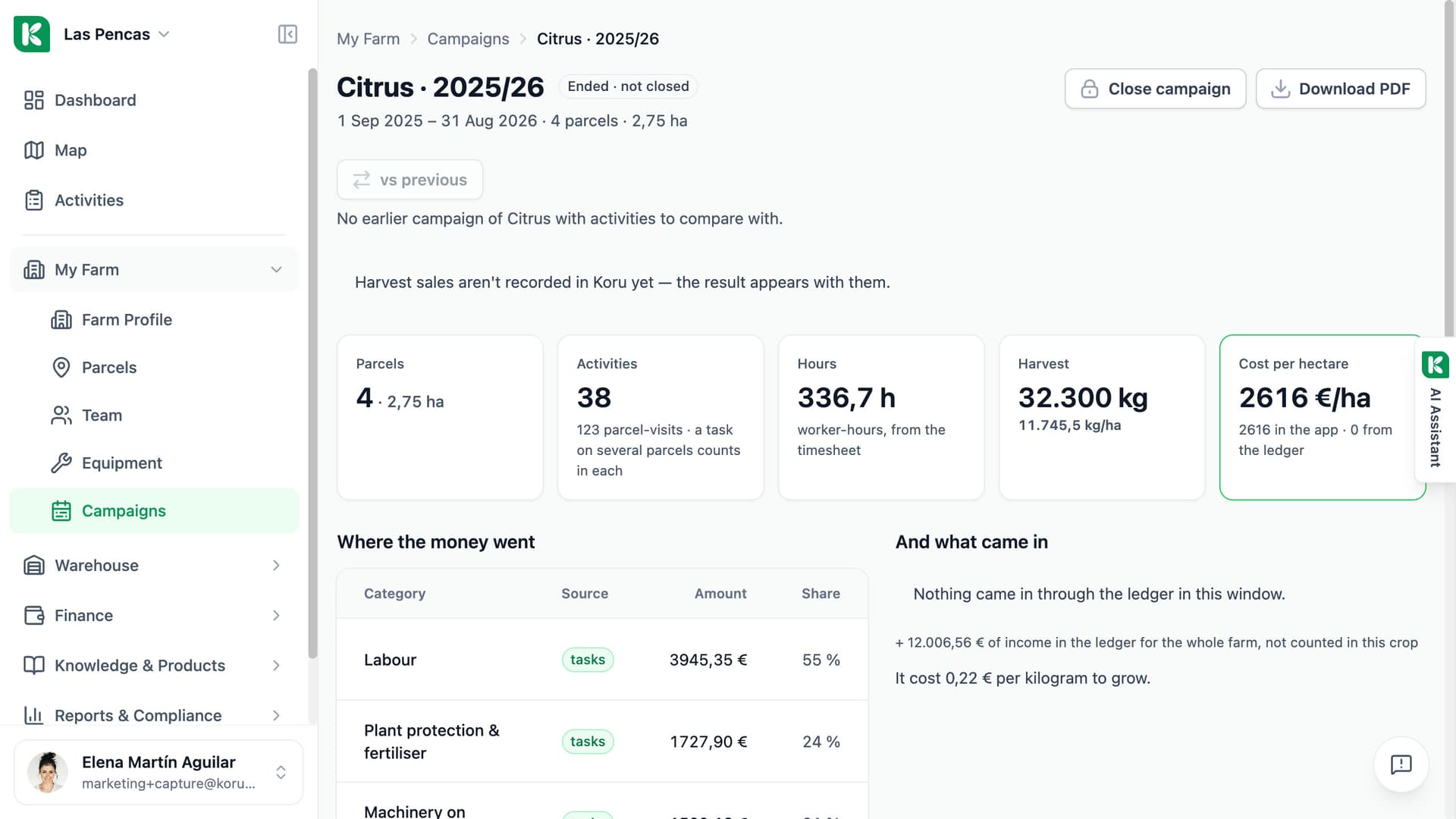
Each trip: your estimate first, the weighed ticket after.
Open a harvest activity and go to its Deliveries tab. Add a delivery when the trailer leaves the field: where it goes, the document it travels with and your estimated quantity. When the ticket comes back, add the gross and net weight and the quality readings to the same row. Then split the load across the parcels it came from, by area or by hand. Koru checks that the split adds up to the delivery.
- Declared, on the road and weighed totals above the list
- The load split across parcels, by area or by hand
- Quality readings for the crop, or a free note
The harvest, load by load.
Built into the activity you already record on harvest day.
Deliveries tab
Every harvest activity has a Deliveries tab: date, receiver, document, gross, net and status for each load.
Receivers
Cooperative, mill, winery, packhouse, your own store or another receiver.
Documents
Scale ticket, delivery note, DAT or liquidación: say which document the load travelled with and write its reference and date.
Parcel allocation
Split a load by treated area to start with, or enter the kilos of each parcel yourself. The rows must add up to the delivery.
Quality
Where a crop has declared quality attributes, the ticket's readings go into their own fields with ranges checked. Other crops get one free note.
Yield on the parcel and the campaign
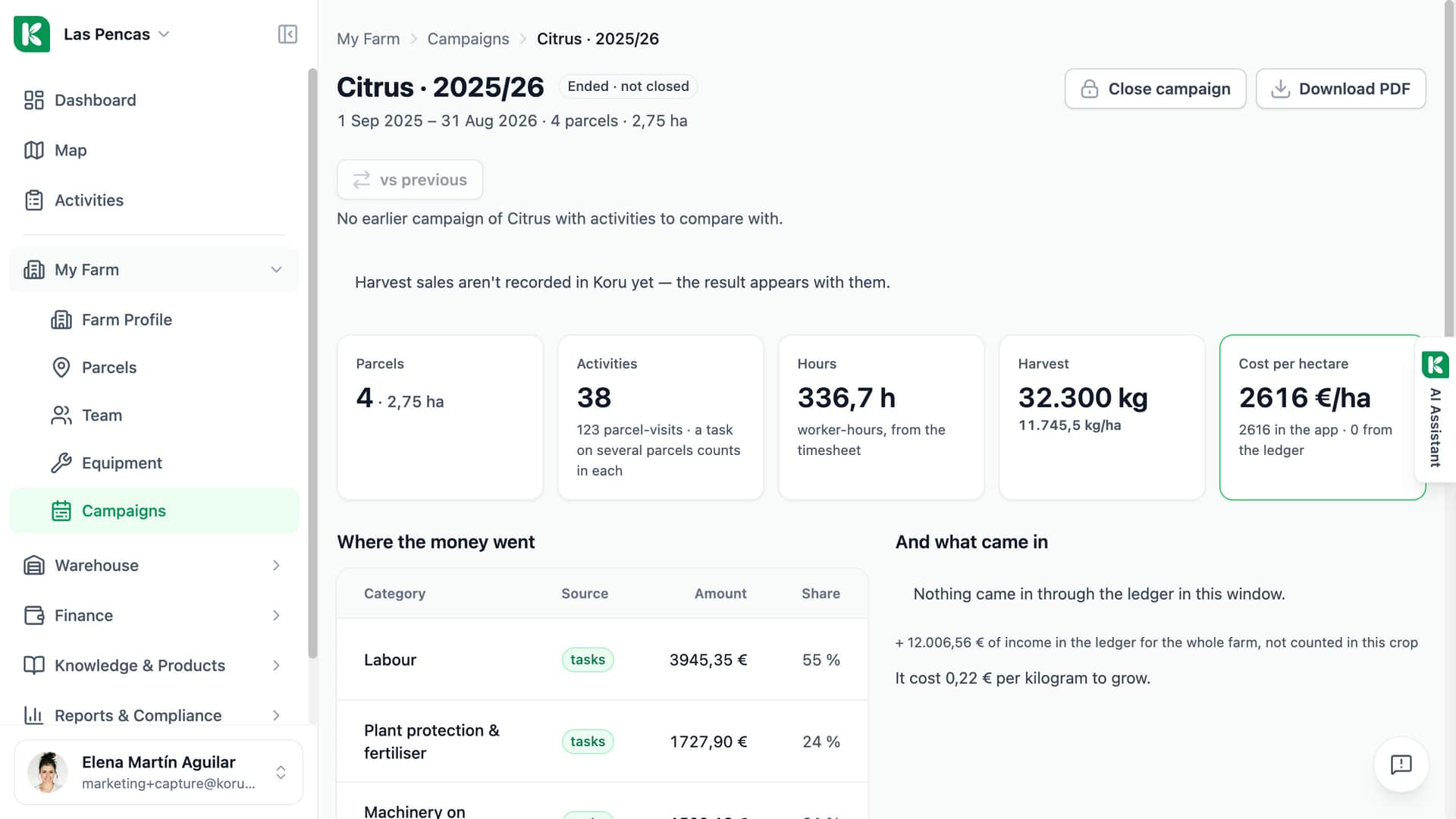
The Cycles tab of the parcel and the campaign page show the harvest of each cycle.
Safety period warning
Koru warns when a harvest date falls inside the safety period of a treatment on that parcel. It warns; it does not block the save.
Transport document (DAT)
For Andalusia: Koru fills the DAT model with what your records hold and opens it to print, or lists what is missing. Needs the Warehouse module.

For anyone who sends a harvest out of the gate.
Single farm
You note the load when the trailer leaves and add the ticket when it comes back. At the end you know what each parcel gave without going back through a pile of tickets.
Advisor
Open a client's harvest activity and see what the farm declared, what is still on the road and what has been weighed.
Cooperative
Each member farm records its deliveries the same way: receiver, document reference, net weight and the parcels the load came from.
Record the next harvest where the rest of the season already is.
Ask for a demo — we will follow one delivery from the field to the mill.