What a hectare and a kilo cost
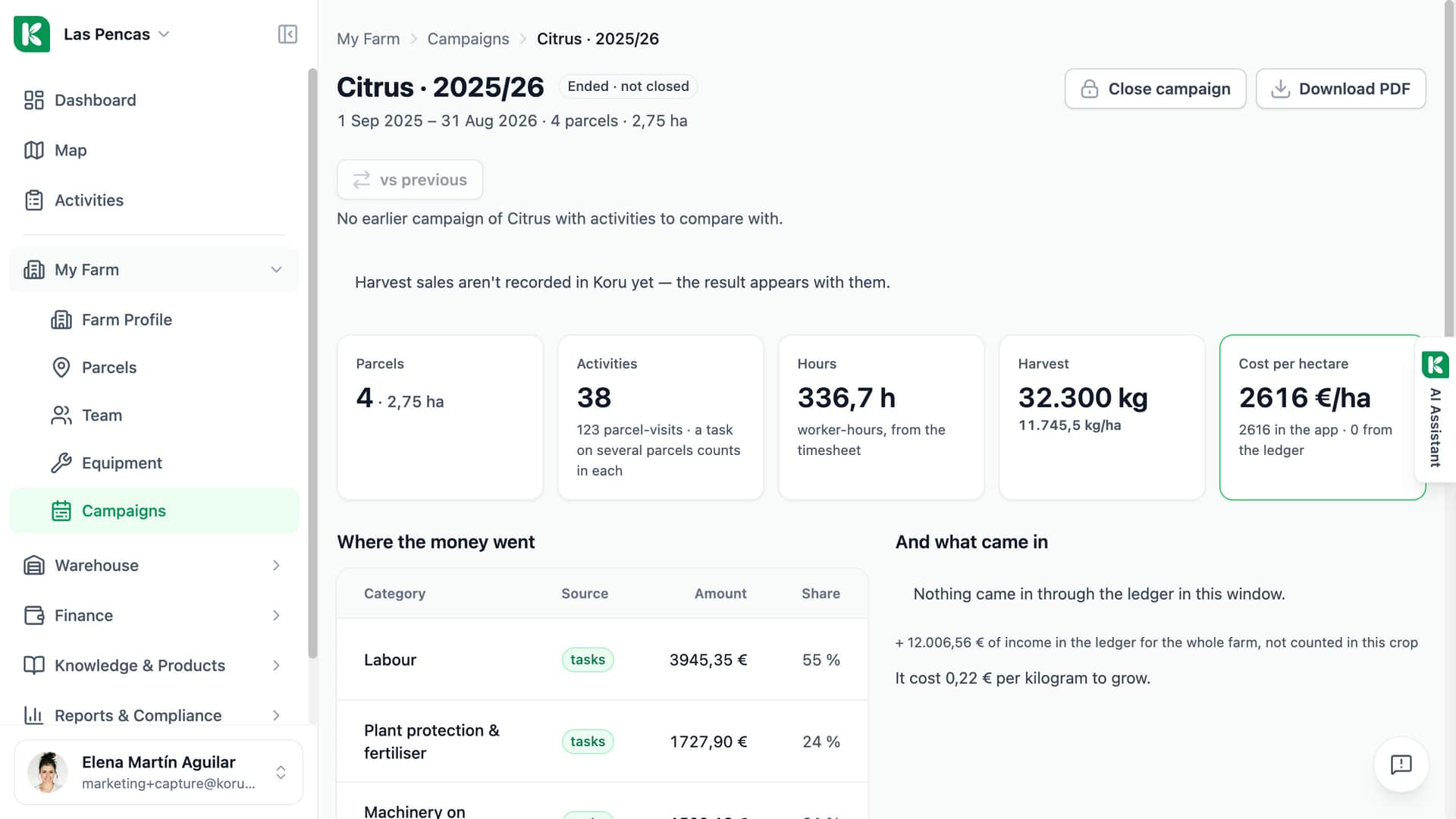
A field book knows the hours, the machines and the products of each task. It does not know the land tax, the insurance premium, the adviser or the CAP payment. In Koru the Ledger holds that money, Rates & charges holds what an hour really costs, and the campaign page puts the two together: cost per hectare with and without the ledger, and cost per kilogram once the harvest is recorded.
On the screen
What the season cost
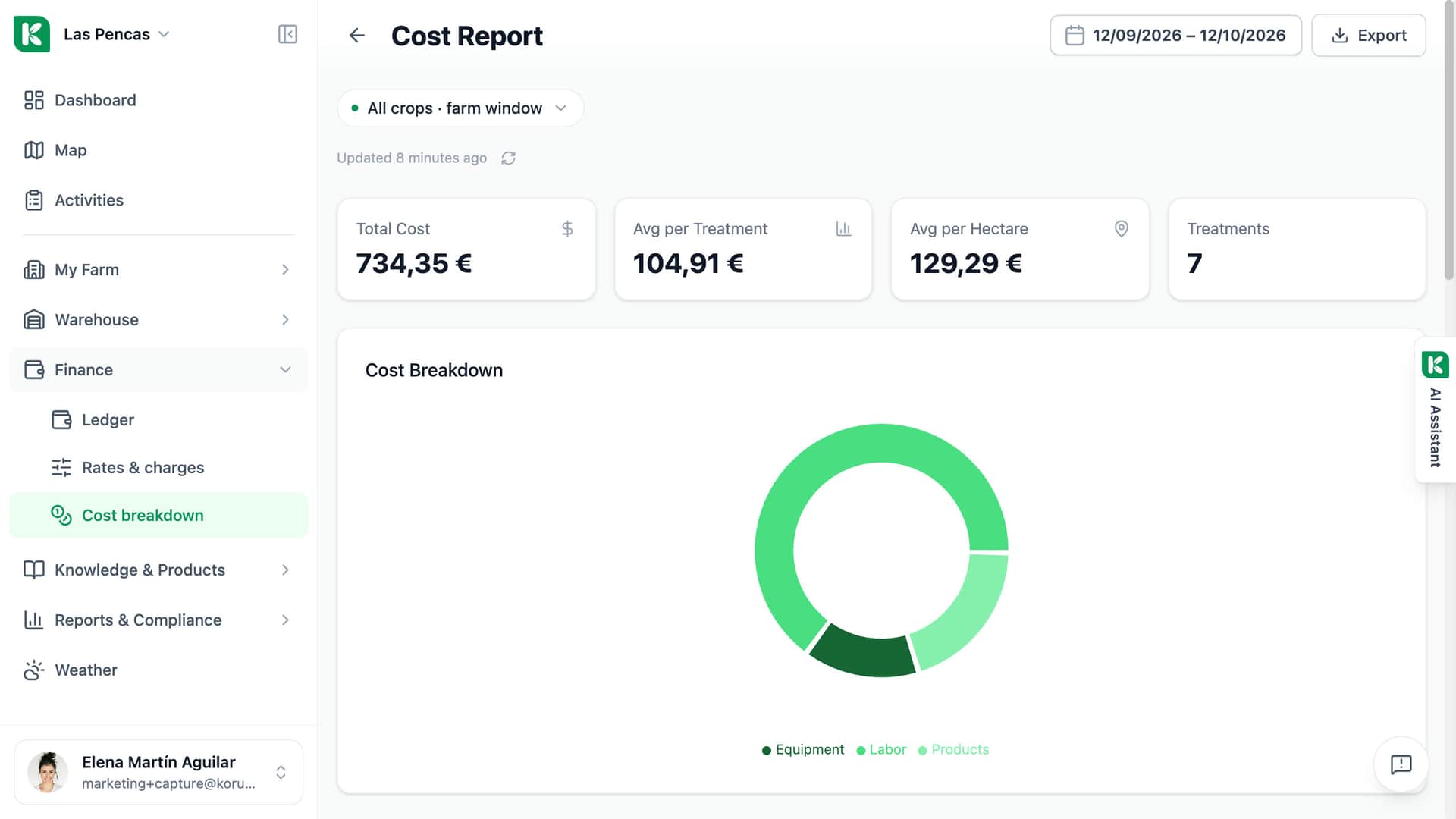
The cost report of Las Pencas for one month.
By crop
All crops together, or one crop at a time.
Period and export
Pick the dates and export the report.
The totals
Total cost, average per treatment and per hectare, and the number of treatments.
Where it went
The cost split into equipment, labour and products.
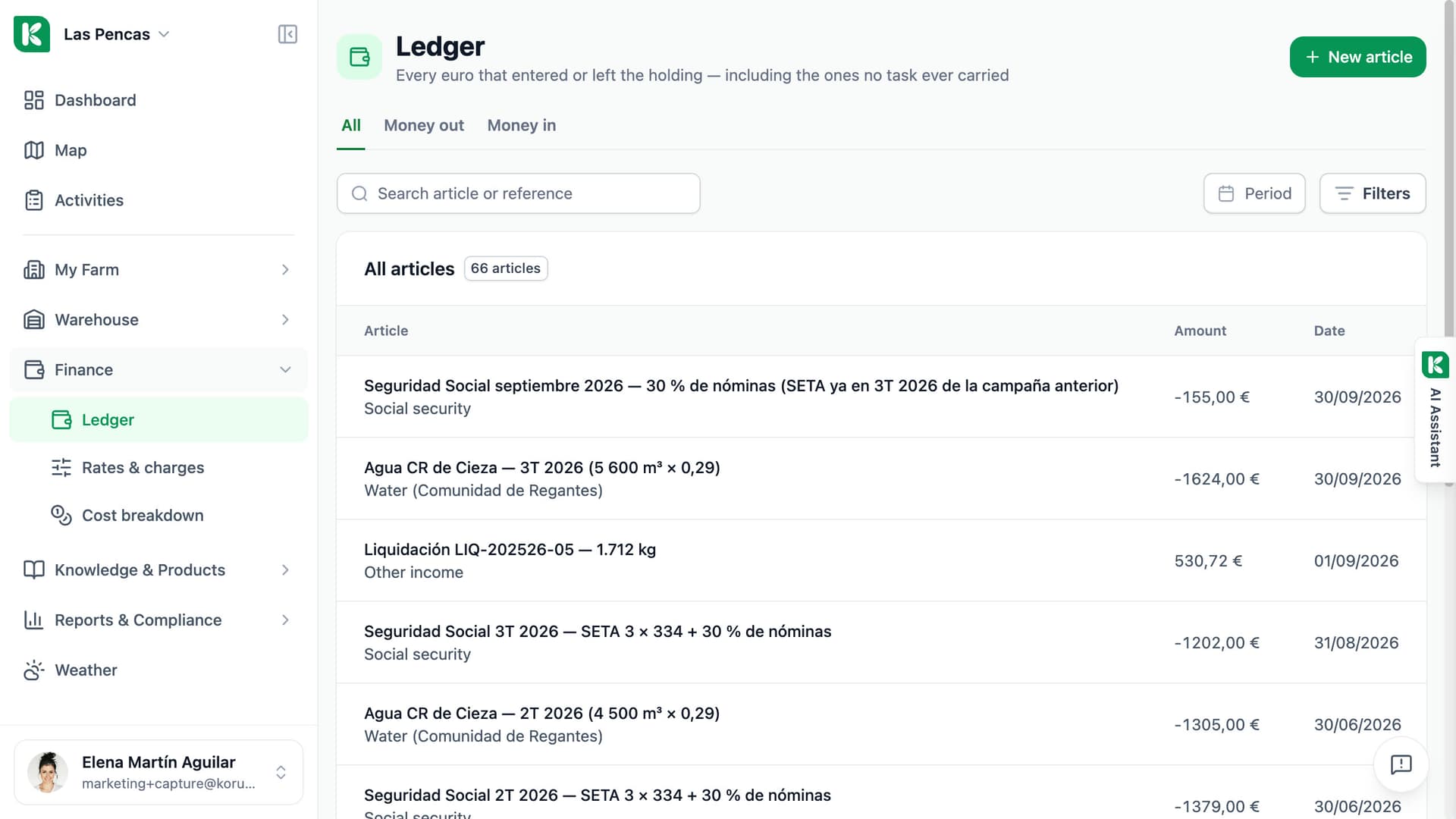
The money no task carries has its own book.
Each article is money out or money in, with a date, an amount and a category: CAP payments, insurance premium and payout, land tax, adviser, social security, fuel, workshop. You can attach it to a parcel, a machine or a crop, or leave it on the holding. Koru puts it in the campaign its date falls in. Payments that repeat are declared once and then wait for you to confirm the amount.
- Money in and money out, each with its category
- Attach to a parcel, a machine or a crop, or leave it on the holding
- Recurring articles wait for your confirmation before they reach the ledger
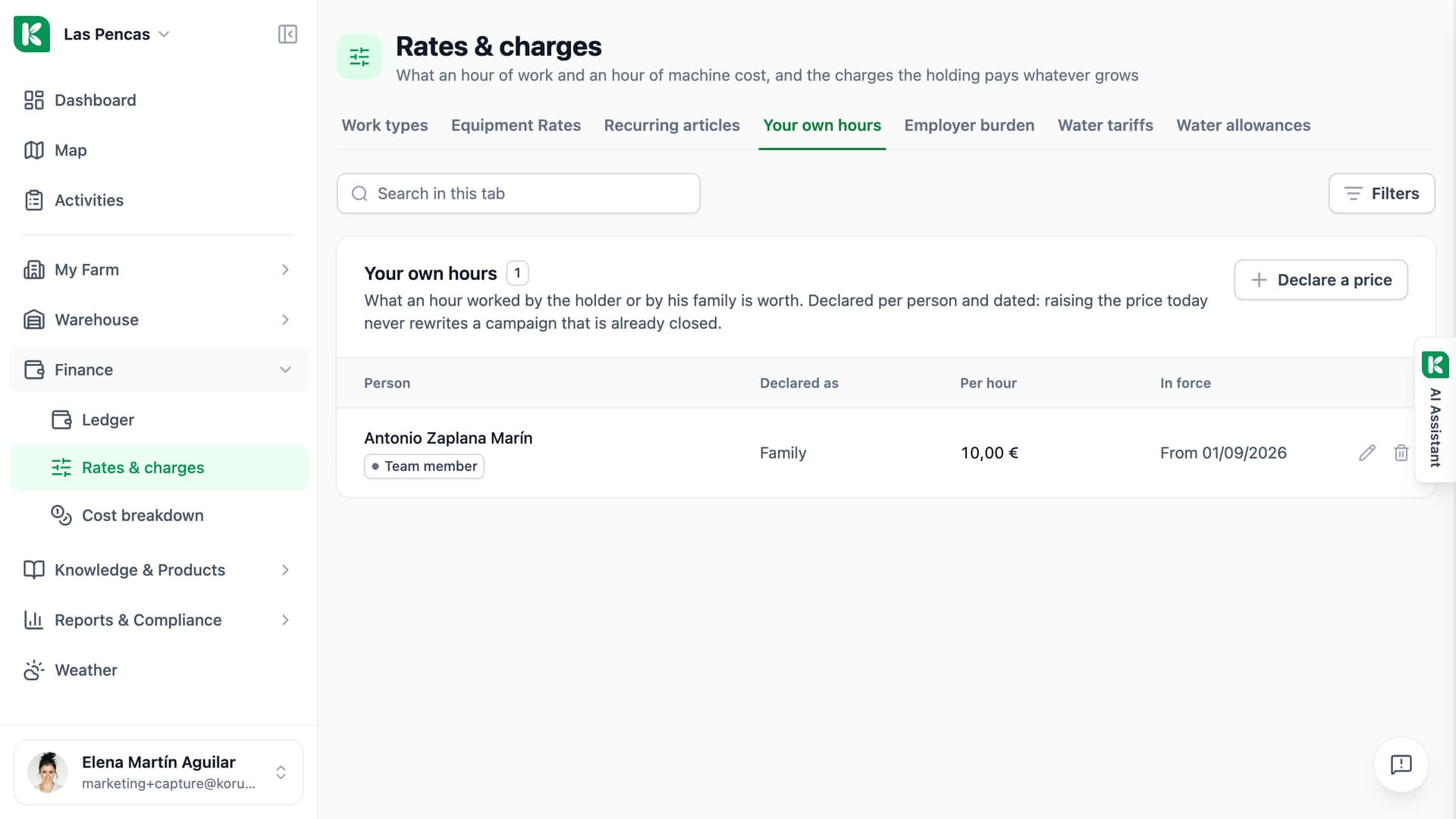
Say once what an hour costs. Every task is priced from it.
Declare what an hour of the holder or the family is worth, the employer burden on top of gross pay per work type, and the hourly rate of each machine: machine only, with operator, or with operator and fuel. Work done by a contractor is priced per hectare or per day on the task. Rates are dated, so raising a price today does not rewrite a closed campaign. An hour with no declared price is shown as not priced, never as zero.
- Own hours, employer burden and machine rates, each with a start date
- Contracted work priced per hectare or per day
- A missing price is shown as missing, not as zero
From the price of an hour to the cost of a kilo.
Three pages under Finance, and the campaign page that reads them.
Ledger
Income and expenses that no task carries, with date, category, amount and receipt reference. Search and filter by period, category, parcel or machine.
Recurring articles
Land tax, insurance, the adviser, social security: declared once with a cadence. Each one waits under “Waiting for you” until you confirm it or skip it.
Your own hours
A price per hour for the holder and for family members, per person and dated.
Employer burden
The percentage the holding pays on top of gross pay, declared per work type.
Equipment rates
An hourly rate per machine. You say whether it covers the machine only, the operator too, or operator and fuel, so nothing is charged twice.
Contracted work
Mark a task as contracted and price it per hectare or per day, with the contractor's name. It uses none of the farm's own hours.
Cost breakdown
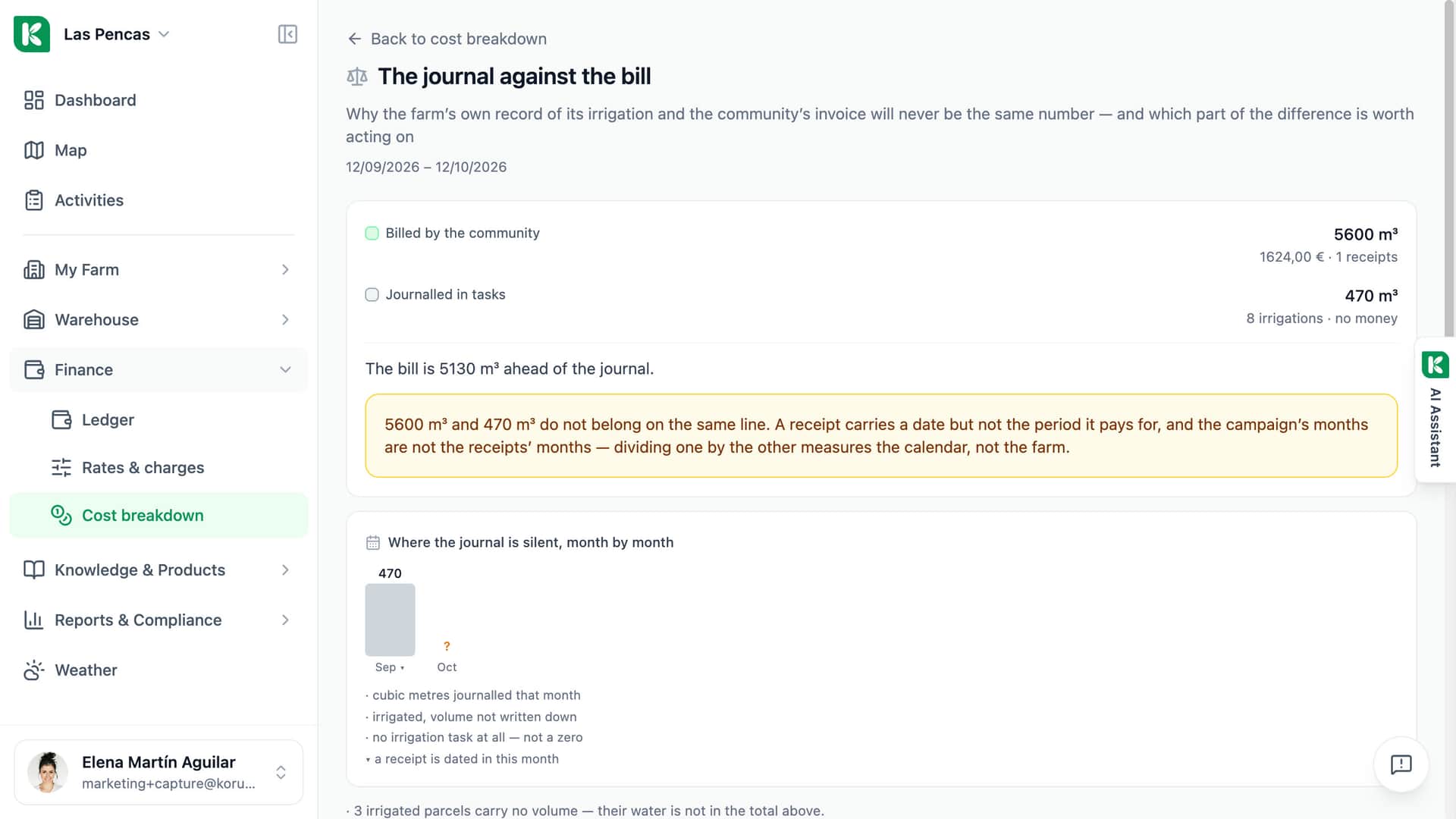
Total cost, average per treatment and per hectare, the split into labour, equipment and products, and the task table grouped by month.
Cost per kilogram
On the campaign page: what a kilogram cost to grow, the same figure after subsidy and insurance payout, and the price received. It needs the harvest recorded in kilograms.

For farms that want the real cost, not only the hours.
Single farm
Cost tracking comes with every plan and is on by default. An owner or admin can switch “Cost & Time Tracking” off and on again; the data is kept. Team members with the member role do not see the Finance menu.
Advisor
Each farm has its own ledger, its own rates and its own switch. An advisor opens the farm and reads the same Cost breakdown the farmer reads, built from that farm's records.
Cooperative
Every farm under a hub has the same three Finance pages. A farm can adopt the hourly rate its hub declared for a shared machine instead of typing its own.
Know what the campaign cost before the next one starts.
Finance pages included in every plan.